Brand visuals.
Generate a consistent look for your company from a short description.



Type a short description of your brand. Get company images you can edit, resize, and use on your website, social profiles, and pitch decks.

Logo concept for a sustainable coffee brand

Website hero for a remote-first software company

LinkedIn cover image for a consulting firm

Product visual for a skincare startup
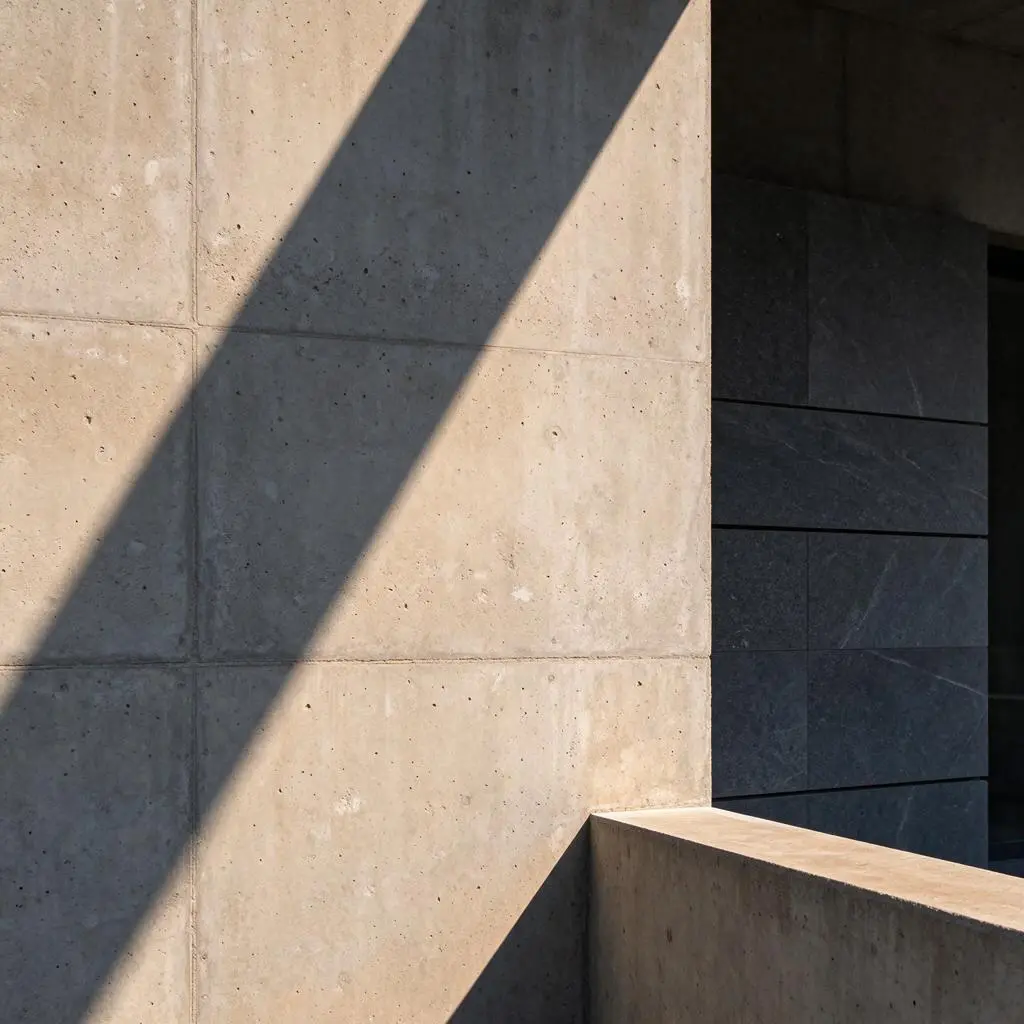
Social avatar for a local architecture studio

Pitch-deck image for a clean-energy company
Turn a plain-text description into company visuals, then refine them in the editor.
A company image from text is a visual built from a written description rather than a design file. You describe the business in plain words, generate several directions, and refine the closest one, so getting a company image from text takes minutes instead of another design round.
Generate a consistent look for your company from a short description.
Explore directions you can take into a final mark or brand kit.
Create header and presentation images sized for the page or slide you’ll use.
Make profile photos, cover images, and team visuals for LinkedIn, Instagram, and careers pages.
Three steps take a written description to a finished company image from text.
Add the name, industry, style, colors, and a sentence about what you do.
Get several company images from the same description, then pick the closest match.
Remove the background, upscale, resize, and download.
Use this formula: [company name] + [industry] + [visual style] + [colors] + [use]
Every one of these prompts follows the same order, so you can swap in your own details and keep the structure. Paste one into the description box, then edit the parts that don’t fit.
Northline Accounting, independent tax firm, clean and professional, navy and cream, website hero
Ember & Oak, sustainable coffee roaster, warm film photography, terracotta and forest green, marketing visual
Pulse Lab, fitness app for busy professionals, bold and energetic, black and electric lime, social image
Harbor Studio, coastal architecture practice, minimal editorial photo, soft sand and slate, logo concept
Kindling, children’s education nonprofit, friendly illustration, coral and sky blue, pitch-deck image
After you generate an image, keep working on it here:
Editing happens in the same place you generated, so a company image from text never has to leave the page: open the result, change what you need, and download it again.


Yes. A name is enough to get started. You’ll get better results if you also add the industry, colors, and where the image will be used.
You can use the images you generate for your company’s website, social profiles, and marketing, subject to Photiu.ai’s terms.
Name the company, what it does, the visual style, the colors, and the format. For example: “Harbor Studio, coastal architecture practice, minimal editorial photo, soft sand and slate, website hero.”
Yes. Open it in the editor to change the background, adjust details, upscale, resize, or make variations.
No. This page turns a text description into an AI-generated company image. It does not build a picture out of letters or a word cloud.
A logo maker focuses on a single mark. This tool creates broader company visuals — heroes, social images, and brand scenes — and also works for logo concepts you can refine later.
A finished image file you can download and place on a site, a slide, or a profile. Start with one free company image from text to check the direction, then generate more for the sizes you need.