


 Upscale image quality
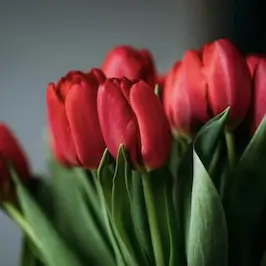
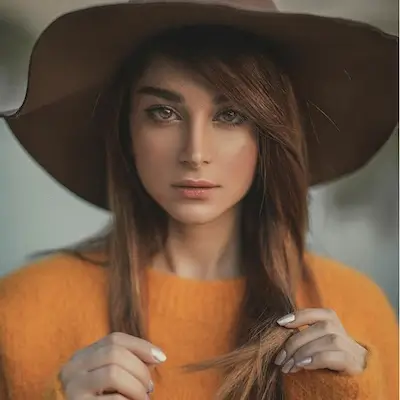
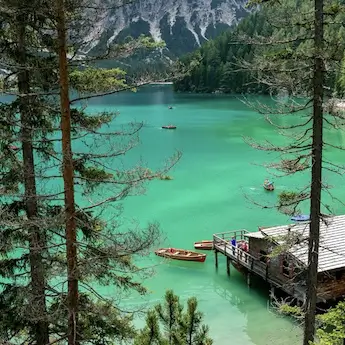
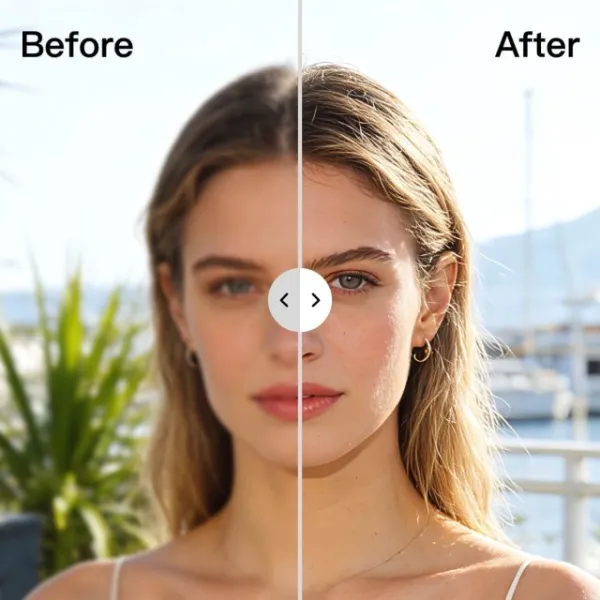
AI Image Upscaler
Upscale Image Resolution with Advanced AI
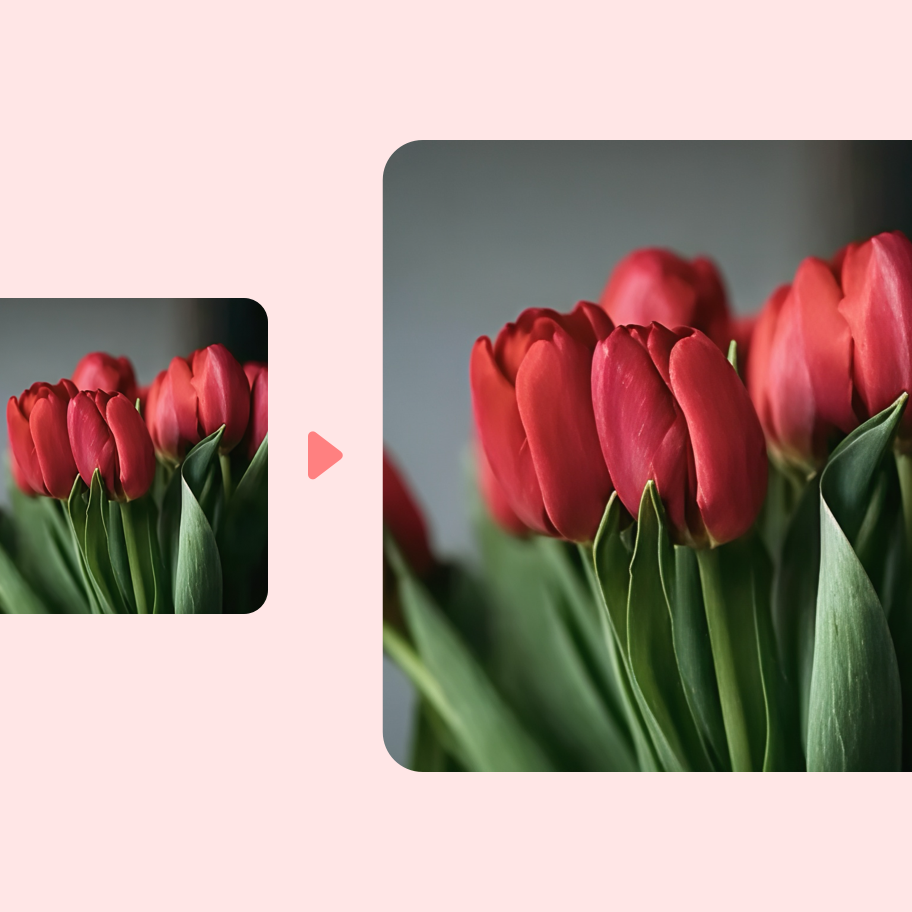
Use the AI image upscaler for better quality
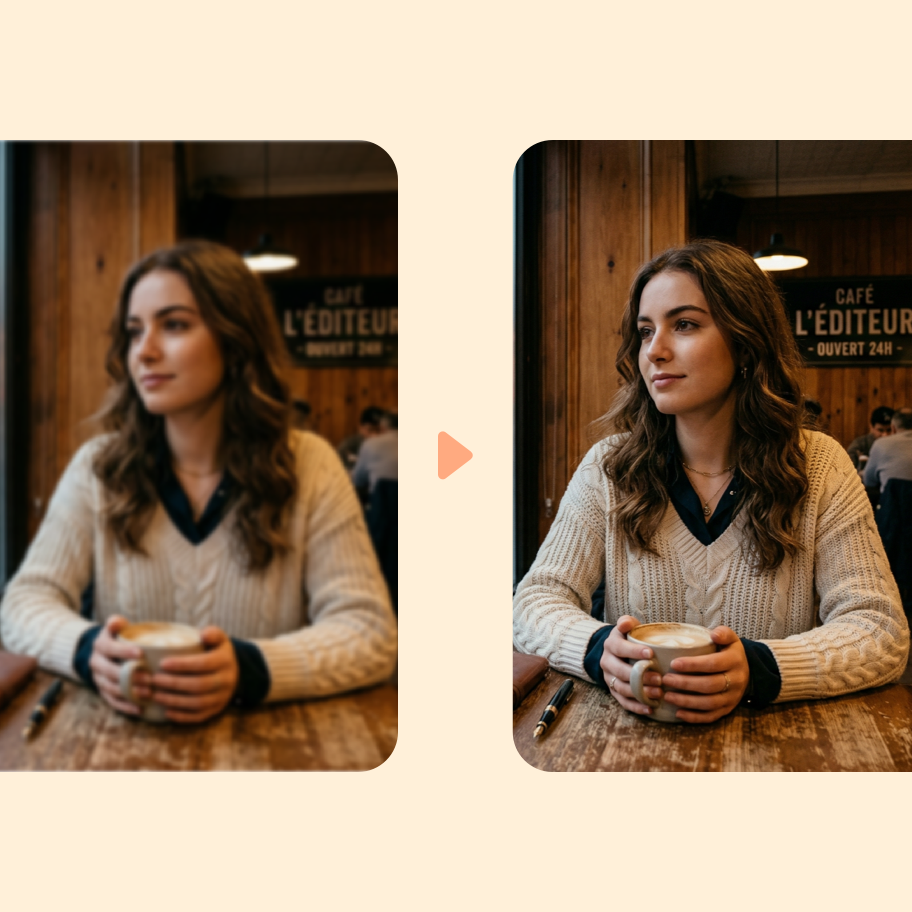
Upscale Images Without Losing Quality
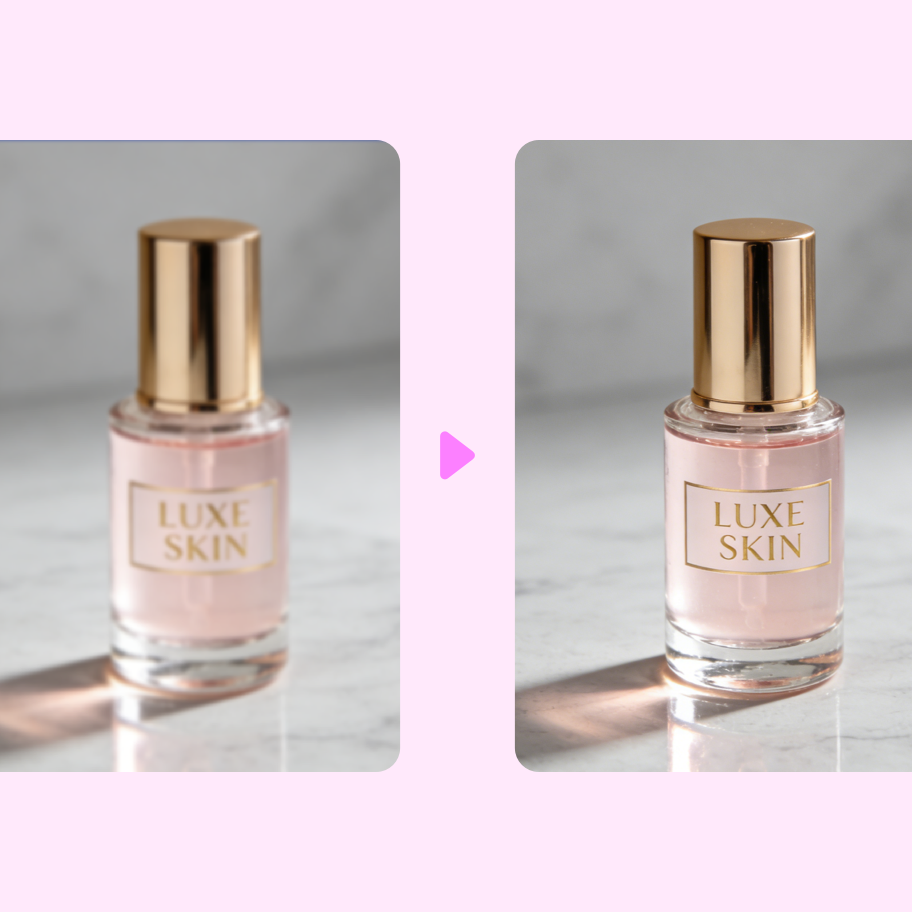
How to Use the Photiu AI Image Upscaler
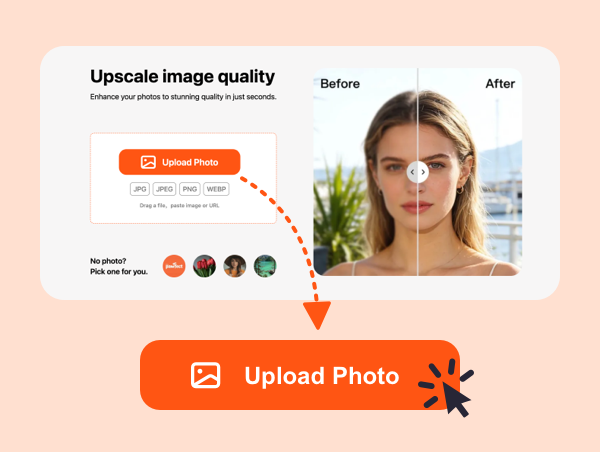
Step 1
Upload Your Image
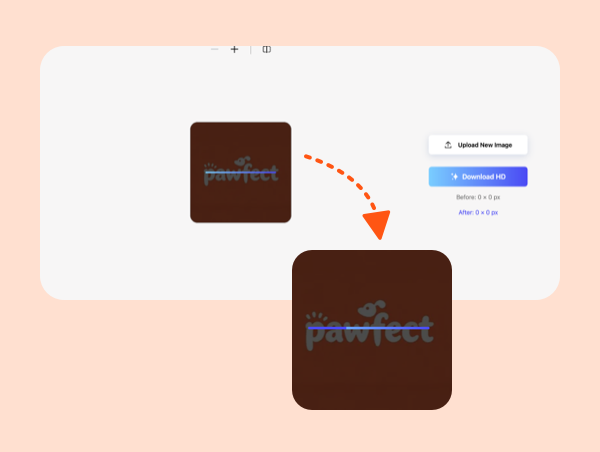
Step 2
AI Processing to Upscale Image Resolution
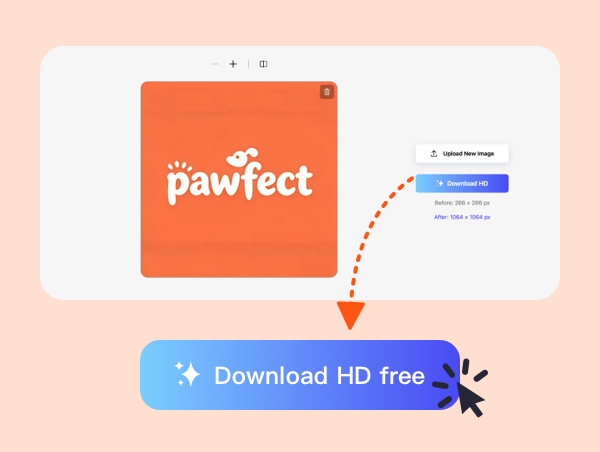
Step 3
Download Your Upscaled Image
Frequently Asked
Questions: Questions:
What is an AI image upscaler, and how does it improve my pictures?


An AI image upscaler is a tool that increases image resolution while intelligently restoring detail instead of simply stretching pixels. The Photiu.ai AI Image Upscaler analyzes structure, edges, textures, and patterns in your photo, then reconstructs missing details to create a sharper, higher-resolution version.
Will the Photiu.ai AI Image Upscaler make my photos look fake or over-processed?
No. Photiu.ai is designed to maintain a natural look. The AI enhances useful detail while avoiding harsh contrast, artificial halos, or overly smooth “plastic” textures. You can preview the enhanced result before downloading, so you stay in control of how subtle or strong the improvement feels.
Which file formats are supported?
Photiu.ai supports common image formats including JPG, PNG, and WEBP.
Can I use upscaled images for commercial projects?
Yes. Images processed with the Photiu.ai AI Image Upscaler can be used in commercial projects such as e-commerce listings, marketing materials, advertisements, client presentations, and print designs — as long as you have the legal rights to the original image. Upscaling improves resolution and clarity but does not change ownership or copyright of the original file.
Do I need design experience to use the AI Image Upscaler?
No experience is required. Photiu.ai is built for creators, marketers, business owners, and everyday users. Simply upload your image, choose your upscale level, preview the result, and download. The complex AI processing happens automatically in the background, allowing you to achieve professional-quality results without advanced editing skills.
How do I make a picture higher resolution using Photiu.ai?
Making a picture higher resolution is simple: 1. Upload your low-resolution image 2. Select your desired upscale level 3. Let the AI analyze and enhance the file 4. Download the high-resolution version This process allows you to increase photo resolution, reduce blur, and improve clarity — often making images suitable for larger screens, detailed product views, or high-quality print output while preserving a natural look.
AI Image Upscaler - Upscale Image Resolution with Advanced AI
Upscale Image Resolution with Advanced AI
Use the AI image upscaler for better quality
Upscale Images Without Losing Quality
How to Use the Photiu AI Image Upscaler
Step 1
Upload Your Image
Step 2
AI Processing to Upscale Image Resolution
Step 3
Download Your Upscaled Image
Frequently Asked
Questions: Questions:
What is an AI image upscaler, and how does it improve my pictures?
An AI image upscaler is a tool that increases image resolution while intelligently restoring detail instead of simply stretching pixels. The Photiu.ai AI Image Upscaler analyzes structure, edges, textures, and patterns in your photo, then reconstructs missing details to create a sharper, higher-resolution version.
Will the Photiu.ai AI Image Upscaler make my photos look fake or over-processed?
No. Photiu.ai is designed to maintain a natural look. The AI enhances useful detail while avoiding harsh contrast, artificial halos, or overly smooth “plastic” textures. You can preview the enhanced result before downloading, so you stay in control of how subtle or strong the improvement feels.
Which file formats are supported?
Photiu.ai supports common image formats including JPG, PNG, and WEBP.
Can I use upscaled images for commercial projects?
Yes. Images processed with the Photiu.ai AI Image Upscaler can be used in commercial projects such as e-commerce listings, marketing materials, advertisements, client presentations, and print designs — as long as you have the legal rights to the original image. Upscaling improves resolution and clarity but does not change ownership or copyright of the original file.
Do I need design experience to use the AI Image Upscaler?
No experience is required. Photiu.ai is built for creators, marketers, business owners, and everyday users. Simply upload your image, choose your upscale level, preview the result, and download. The complex AI processing happens automatically in the background, allowing you to achieve professional-quality results without advanced editing skills.
How do I make a picture higher resolution using Photiu.ai?
Making a picture higher resolution is simple: 1. Upload your low-resolution image 2. Select your desired upscale level 3. Let the AI analyze and enhance the file 4. Download the high-resolution version This process allows you to increase photo resolution, reduce blur, and improve clarity — often making images suitable for larger screens, detailed product views, or high-quality print output while preserving a natural look.