


Make Image Background White for Free
simple, fast, no watermark
Drag image(s) or ZIP file, paste an image or URL
Boost Sales with a Clean White Background

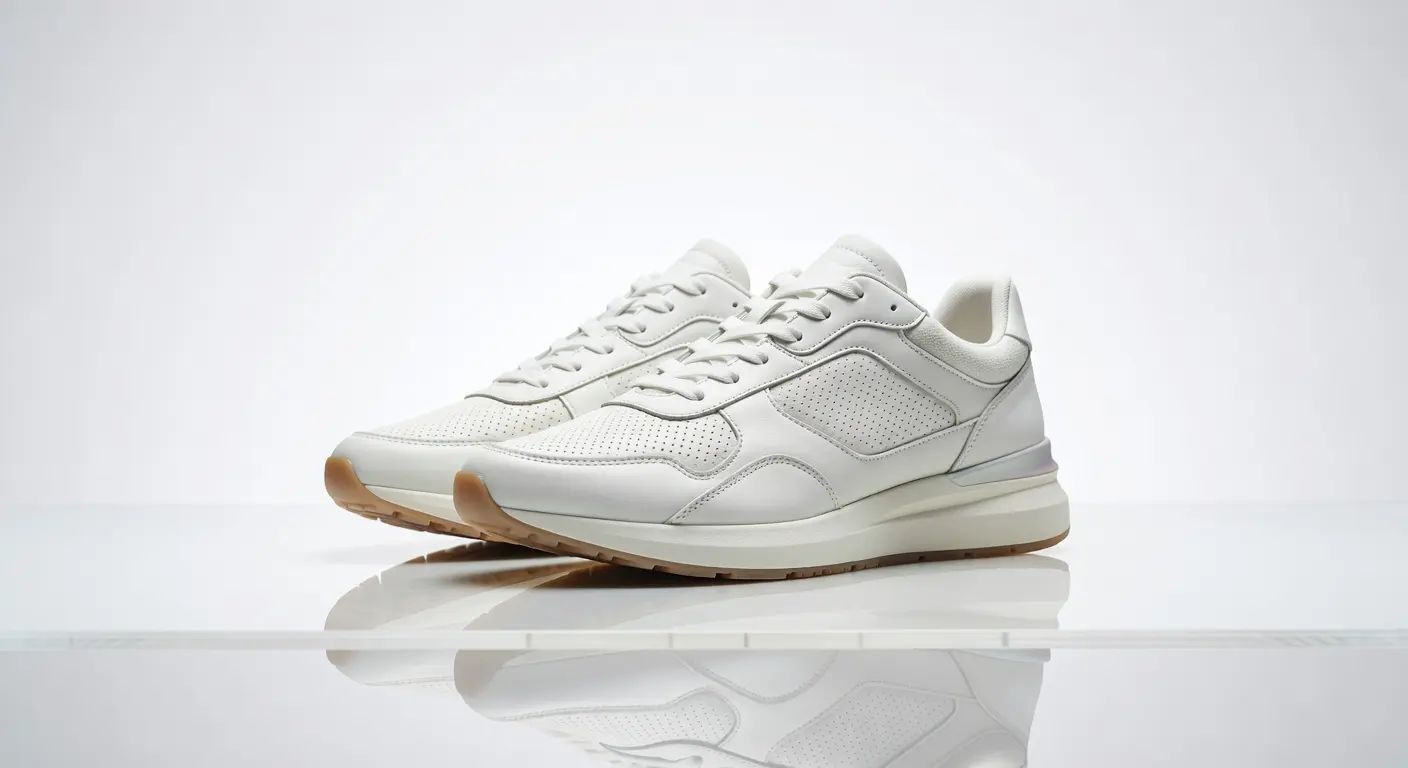
Create Professional Product Shots with a White Background
Create Official ID and Passport Photos with a White Background

Create Eye-Catching Social Media Graphics & Stickers

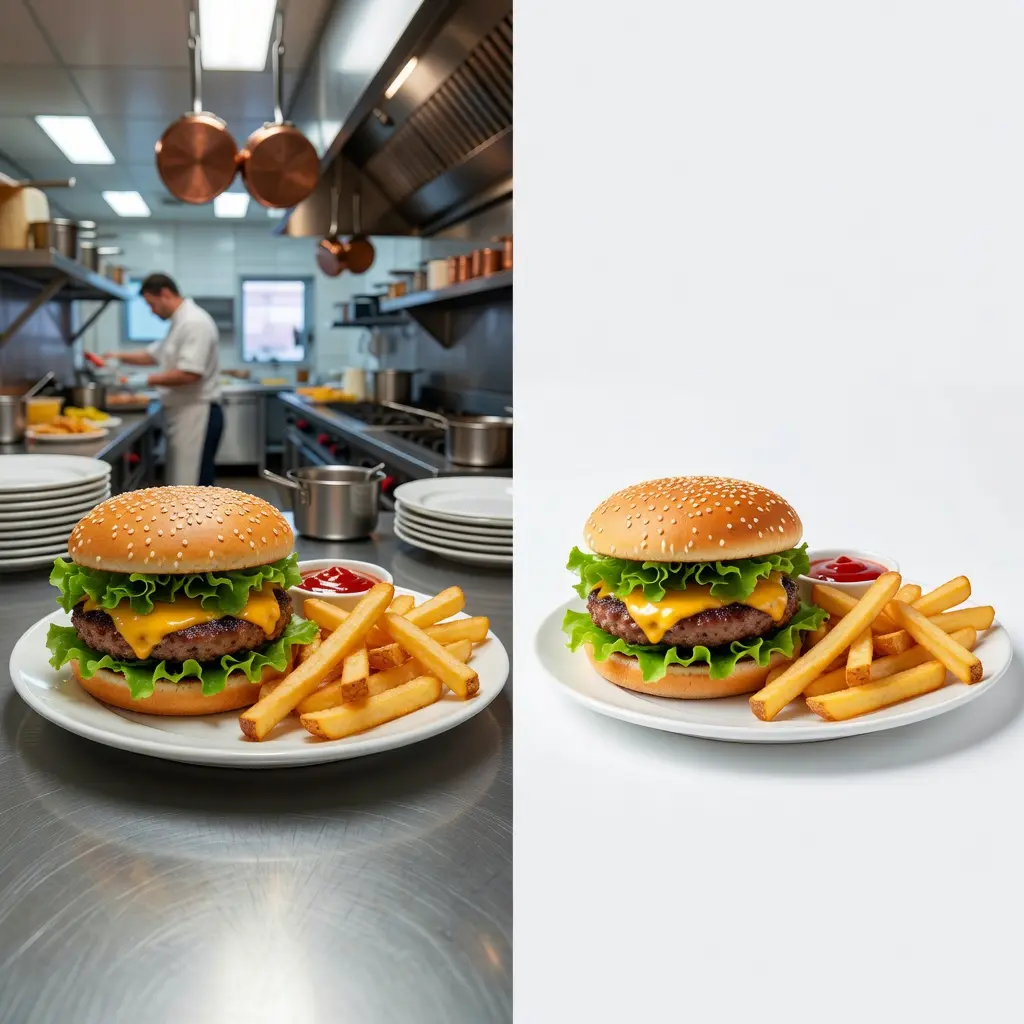
Clean Food Photography for Digital Menus
How to add a white background to Photo
Select your preferred white background from the list
Select a crisp white background from our pre-set examples, or take full control by uploading your own white background after the background is removed. From studio-grade pure white to subtle textures, the choice is yours.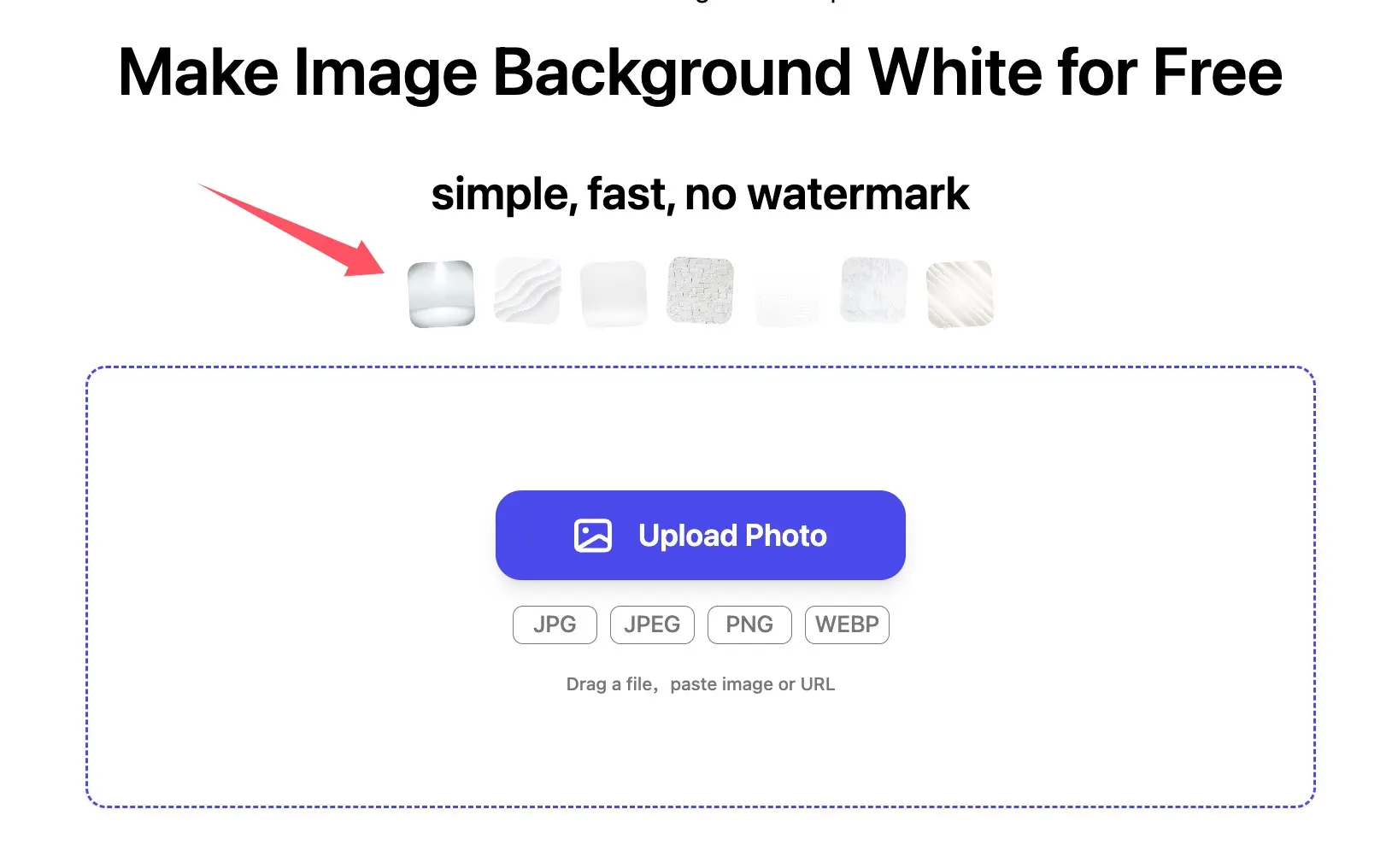
Upload your photo
Get started by uploading your image. Our intelligent editor goes to work immediately, automatically clearing out your old background and applying a flawless white background in just a single tap. Forget about tedious manual masking—Photiu handles the entire process behind the scenes, delivering a professional, marketplace-ready photo in seconds.Your Polished White Background Result is Ready to Download
The wait is over—your messy backdrop is gone, and your subject is perfectly cutout. Now, you have complete creative freedom to style your image. Use Photiu's pre-set options to apply a crisp, bright white background, or upload your own custom backdrop for a unique touch. Fine-tune the final look until it perfectly fits your website, marketplace, or personal project, then export the high-quality file instantly.Frequently Asked Questions about White Background maker
Is the white background tool free to use?


Yes, Photiu is free for standard daily use! You can upload your images, remove backdrops, and apply a clean white background without paying a cent. For most everyday projects, our free tier is more than enough. You only need to upgrade if you exceed your daily free credit limit, or if you want to unlock our Pro AI Model—which uses advanced edge-detection technology to handle complex details like messy hair or semi-transparent fabrics with studio-grade precision.
Do I need professional editing skills to create a white background photo?
Absolutely not! Photiu is designed to be incredibly user-friendly, meaning you don’t need to know how to use Photoshop or have any design experience. All you have to do is upload your image, and our smart AI takes care of the rest—instantly detecting your subject, removing the old backdrop, and applying a clean white background. In just a few seconds, you’ll get a flawless, studio-quality result with zero effort.
What is the best tool to add a white background to photos?
Photiu stands out as one of the premier tools for adding a clean, professional white background to your photos. Whether you are creating consistent, high-converting product shots for e-commerce or polishing a professional headshot, Photiu delivers studio-grade results without requiring any design experience or pricey software. What truly sets us apart is our built-in, industry-leading Restore & Erase brush tools. While our AI is incredibly precise, we give you ultimate control: you can easily fine-tune the edges, restore intricate details, or erase unwanted elements with smart, semi-automated precision. It’s the perfect blend of instant AI speed and professional-grade control.